Rules by category and app
Allow, warn, limit or block. For AI too: assistants, homework, images and video, companions and voice.
ALEROM AI ARROW · For families
Parental controls for the AI era. Decide which AI, apps and content your child can use on their phone, according to their age.
The app is in final testing. It cannot be downloaded yet.
Why ARROW
Chatbots that answer anything, tutors that do the homework, apps that create images or clone voices, and characters that present themselves as friends or partners. Traditional parental controls cannot tell these apart. ARROW can: it lets you decide, according to their age, what is used on their phone and how.
How it looks
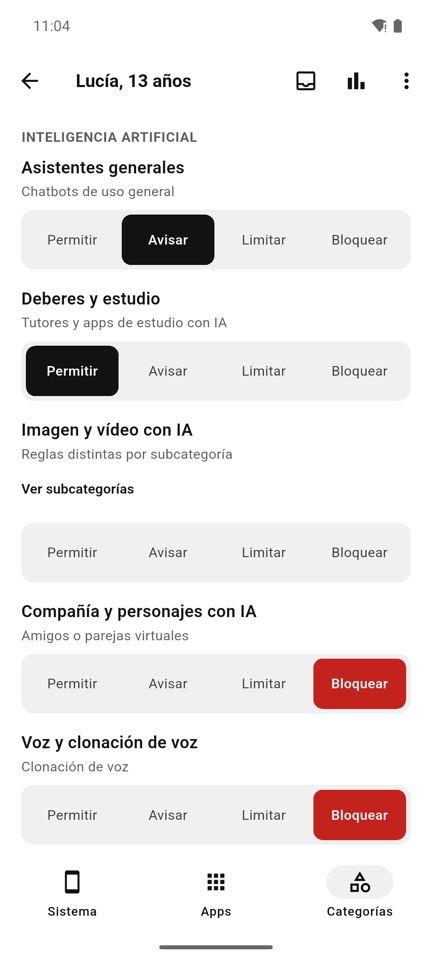
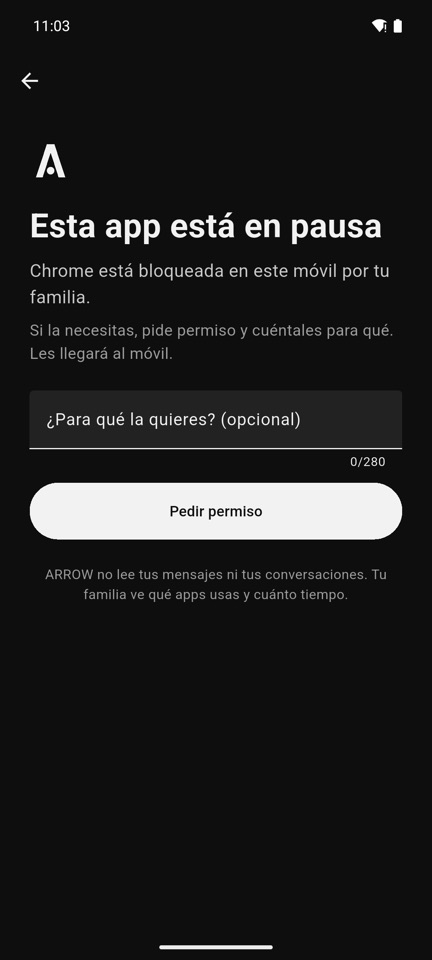
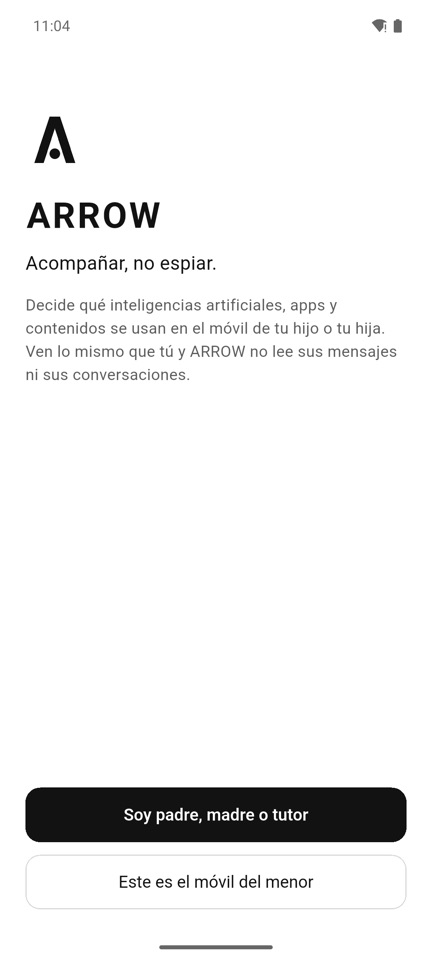
Screenshots of the Spanish version.
What it does
Allow, warn, limit or block. For AI too: assistants, homework, images and video, companions and voice.
Essentials mode, bedtime, total screen time and a daily limit per app.
Web filtering and safe search on the phone itself, without relying on the home network.
If something is paused, the child can ask for permission and explain why. You decide from your phone.
ARROW alerts you when an app or service is not suitable for their age or not allowed by law.
Which apps they use and for how long, never what they say. From age 14, with their consent.
Transparent
Coming soon
We are finishing testing before publishing it on Google Play and the App Store. If you would like us to let you know when it is out, write to hello@aleromai.com.
Are you a school or a school owner? To govern AI across your institutions, see ALEROM AI School.